
Running a business today is very different from how it was even five years ago.
Customers expect faster responses. Teams are expected to do more work with fewer people. And competition keeps increasing in almost every industry.
Many business owners feel the pressure of doing everything manually. They respond to emails, answer calls, send follow-ups, update customer records, and manage appointments all day.
The problem is simple.
Manual work does not scale.
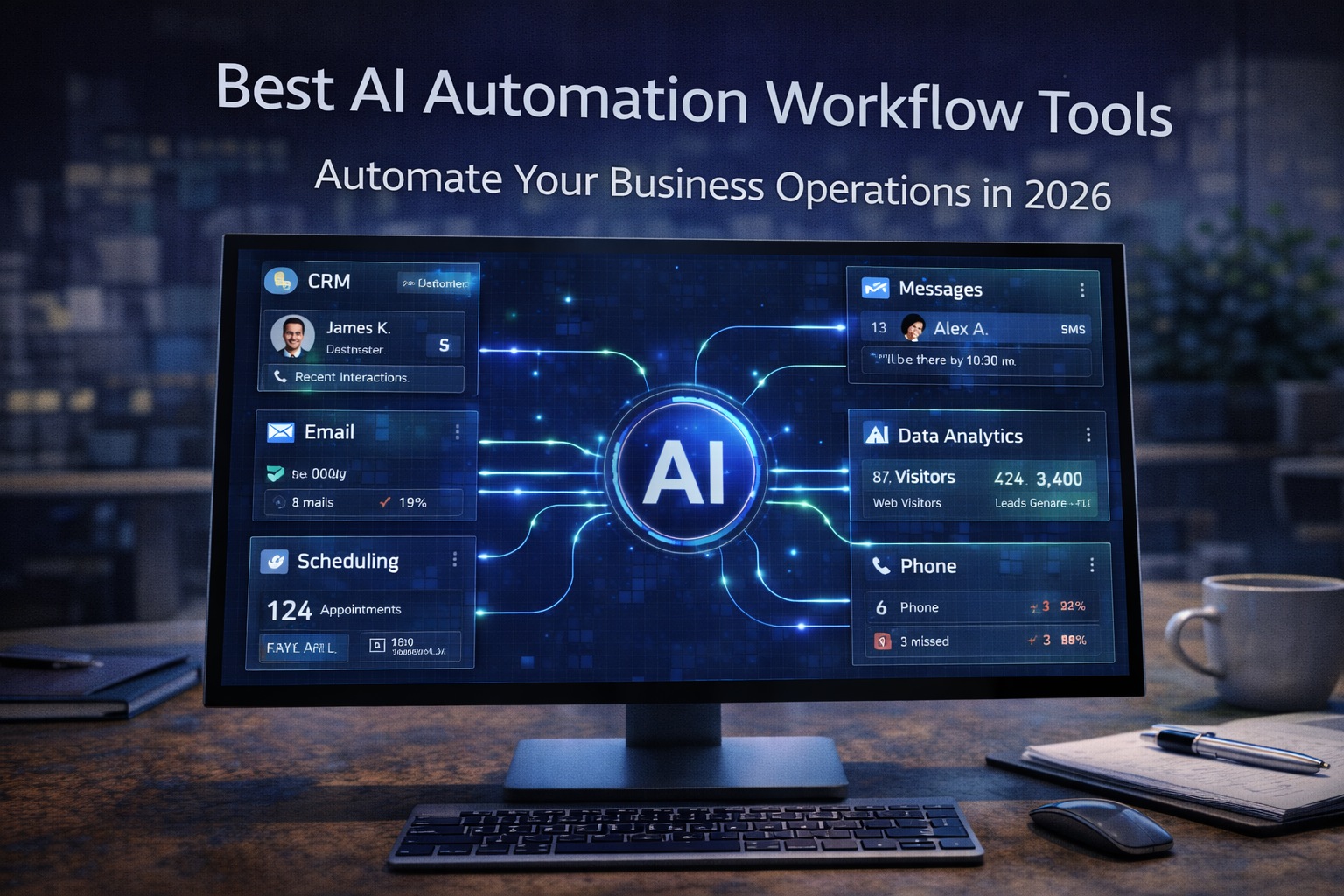
This is why businesses in 2026 are turning to AI automation workflow tools. These tools help companies automate repetitive tasks, organize information, and handle customer communication automatically.
Instead of spending hours on routine work, teams can focus on higher-value tasks like strategy, customer relationships, and growth.
In this guide, we will explore the best AI automation workflow tools for businesses in 2026, how they work, and how companies can use them to build smarter systems that capture more opportunities.
Why AI Workflow Automation Is Becoming Essential
Businesses today deal with many different systems.
They use tools for:
- customer relationship management (CRM)
• marketing campaigns
• customer support
• project management
• scheduling and communication
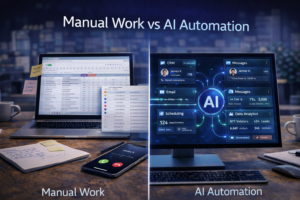
Without automation, employees often spend time moving information between these systems manually.
For example:
A customer fills out a form.
Someone manually enters the lead into the CRM.
Then another employee sends a follow-up email.
These small tasks add up quickly.
AI workflow automation tools eliminate this manual work by creating automated processes that run in the background.
For example:
- a form submission automatically creates a new CRM contact
• the system sends a welcome message instantly
• a reminder email is scheduled automatically
Instead of relying on human effort for every step, the system handles the process automatically.
The result is faster response times and more consistent customer experiences.
What Are AI Automation Workflow Tools?
AI automation workflow tools are platforms that allow businesses to design processes that run automatically.
These workflows connect different systems, analyze information, and trigger actions based on specific events.
A workflow might look like this:
- A customer sends a message through the website
- The system captures the information
- The lead is added to the CRM
- A follow-up email is sent automatically
- The lead is scheduled for a call
Everything happens automatically without manual intervention.
Artificial intelligence improves these workflows by adding capabilities such as:
- understanding customer messages
• analyzing data patterns
• qualifying leads
• generating responses
• making decisions within the workflow
This combination of automation and intelligence allows businesses to operate more efficiently.
Key Benefits of AI Workflow Automation

Before exploring the tools themselves, it’s important to understand why businesses are adopting automation.
Faster Customer Response
Speed is critical in modern business.
Customers often contact several companies at once. The business that responds first usually wins the opportunity.
Automation tools ensure customers receive immediate responses instead of waiting hours for replies.
Reduced Operational Work
Many business tasks are repetitive.
Examples include:
- sending reminders
• updating records
• routing messages
• assigning tasks
Automation tools remove these repetitive tasks from daily operations.
Improved Lead Management
Businesses lose leads when follow-ups are delayed or forgotten.
Automated workflows ensure every lead receives consistent communication.
This improves conversion rates and customer satisfaction.
Scalable Operations
Manual processes work when a business is small.
But as the company grows, manual work becomes a bottleneck.
Automation allows businesses to scale operations without dramatically increasing staff.
Best AI Automation Workflow Tools for Businesses in 2026
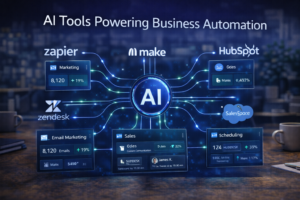
Many automation platforms are available today. Each offers different features depending on the needs of the business.
Below are some of the most popular AI automation workflow tools companies are using in 2026.
Zapier
Zapier is one of the most widely used workflow automation tools.
It allows businesses to connect thousands of apps and automate tasks between them.
For example, a company could create a workflow where:
- a new website form submission automatically creates a CRM contact
• a Slack notification is sent to the sales team
• a follow-up email is triggered
Zapier is especially popular among small and medium businesses because it requires no coding.
Users can build workflows using a simple interface that connects triggers and actions.
This makes automation accessible even for non-technical teams.
Make (Formerly Integromat)
Make is another powerful workflow automation platform.
It provides a visual interface where users can design complex automation systems.
Unlike simpler tools, Make allows businesses to create advanced workflows involving multiple steps and conditions.
For example, a workflow might:
- capture customer information
• analyze data
• send messages
• update multiple systems simultaneously
Make is often used by companies that want deeper control over their automation processes.
n8n
n8n is an open-source automation platform designed for flexibility.
Many developers and tech-focused teams prefer n8n because it allows custom workflows and self-hosting options.
Businesses can create automation processes that integrate with many different tools and APIs.
This makes n8n particularly useful for companies building custom automation systems.
Microsoft Power Automate
Microsoft Power Automate is widely used by organizations already operating within the Microsoft ecosystem.
It integrates with tools like:
- Outlook
• Excel
• Teams
• SharePoint
Businesses can automate internal workflows such as document approvals, notifications, and data processing.
For companies using Microsoft 365 extensively, Power Automate can significantly improve productivity.
UiPath
UiPath focuses on robotic process automation (RPA).
RPA automates repetitive computer tasks such as:
- data entry
• document processing
• system updates
UiPath is often used by larger organizations that need to automate complex operational processes.
HubSpot Automation
HubSpot includes automation tools within its CRM platform.
Businesses can automate marketing, sales, and customer support workflows.
For example:
- automatically send emails when leads enter the pipeline
• assign leads to sales representatives
• schedule follow-up reminders
HubSpot is especially popular among marketing and sales teams.
The Role of AI Communication Automation
While many automation tools focus on internal workflows, communication automation is becoming increasingly important.
Businesses receive customer inquiries through multiple channels including:
- phone calls
• website chat
• email
• social media
Managing all these conversations manually can be overwhelming.
This is where AI communication systems become valuable.
How FutureForge AI Solutions Automates Business Workflows
FutureForge AI Solutions focuses on automating customer communication and lead management.
Instead of businesses struggling to respond to every inquiry manually, FutureForge systems help automate these interactions.
The platform combines several key technologies:
- AI voice agents
• AI chatbots
• automated workflow automation
When a customer calls a business, an AI voice agent can answer instantly.
The system understands the customer’s request, gathers information, and can even schedule appointments.
At the same time, AI chatbots can respond to website inquiries and capture lead details.
All of this information is then organized through automated workflows that connect communication systems with CRM platforms and scheduling tools.
This allows businesses to create a fully automated communication pipeline.
The result is a system that captures leads, responds quickly, and keeps customer interactions organized.
Real Examples of AI Workflow Automation
To understand the real impact of automation, consider how businesses use these tools in everyday situations.
Lead Capture Automation
When a potential customer fills out a form on a website, the system can:
- add the lead to the CRM
• send a welcome email
• notify the sales team
This entire process can happen in seconds.
Customer Support Automation
AI chatbots can answer common customer questions automatically.
If the question requires human assistance, the system routes the conversation to the appropriate team member.
Appointment Scheduling
Businesses that rely on appointments can automate booking processes.
AI systems capture customer information and schedule appointments directly into the calendar.
Follow-Up Communication
Many leads are lost because businesses fail to follow up quickly.
Automation tools ensure that follow-up emails and messages are sent consistently.
Choosing the Right AI Automation Workflow Tool
Not every automation platform is right for every business.
Companies should consider several factors when selecting a tool.
Ease of Use
Some tools are designed for beginners, while others require technical expertise.
Businesses should choose platforms that match their team’s skill level.
Integration Options
Automation tools should connect easily with the systems the business already uses.
This may include CRM platforms, communication tools, and marketing systems.
Customization
Businesses with complex workflows may need tools that allow greater customization.
Scalability
Automation systems should support future growth.
A platform that works for a small team should still be effective when the business expands.
The Future of Business Automation
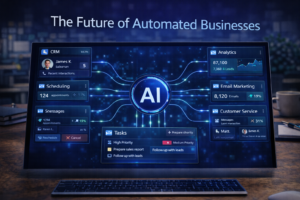
Automation is no longer a luxury.
It is becoming essential infrastructure for modern businesses.
Companies that rely entirely on manual processes will struggle to keep up with competitors that use automation systems.
AI automation workflow tools allow businesses to:
- respond faster
• capture more opportunities
• reduce operational workload
• improve customer experience
As technology continues to evolve, these systems will become even more powerful.
Businesses that begin implementing automation today will be better prepared for the future.
Final Thoughts
The demand for automation will continue to grow as businesses look for ways to improve efficiency and scale operations.
The best AI automation workflow tools for businesses in 2026 help companies connect systems, automate repetitive tasks, and manage customer interactions more effectively.
From platforms like Zapier and Make to communication solutions like FutureForge AI Solutions, businesses now have more tools than ever to streamline operations.
The key is not simply adopting technology.
It is building intelligent workflows that support growth, improve response times, and capture opportunities automatically.
Companies that embrace these systems will be better positioned to compete in the increasingly automated business environment.


